
 View full-size
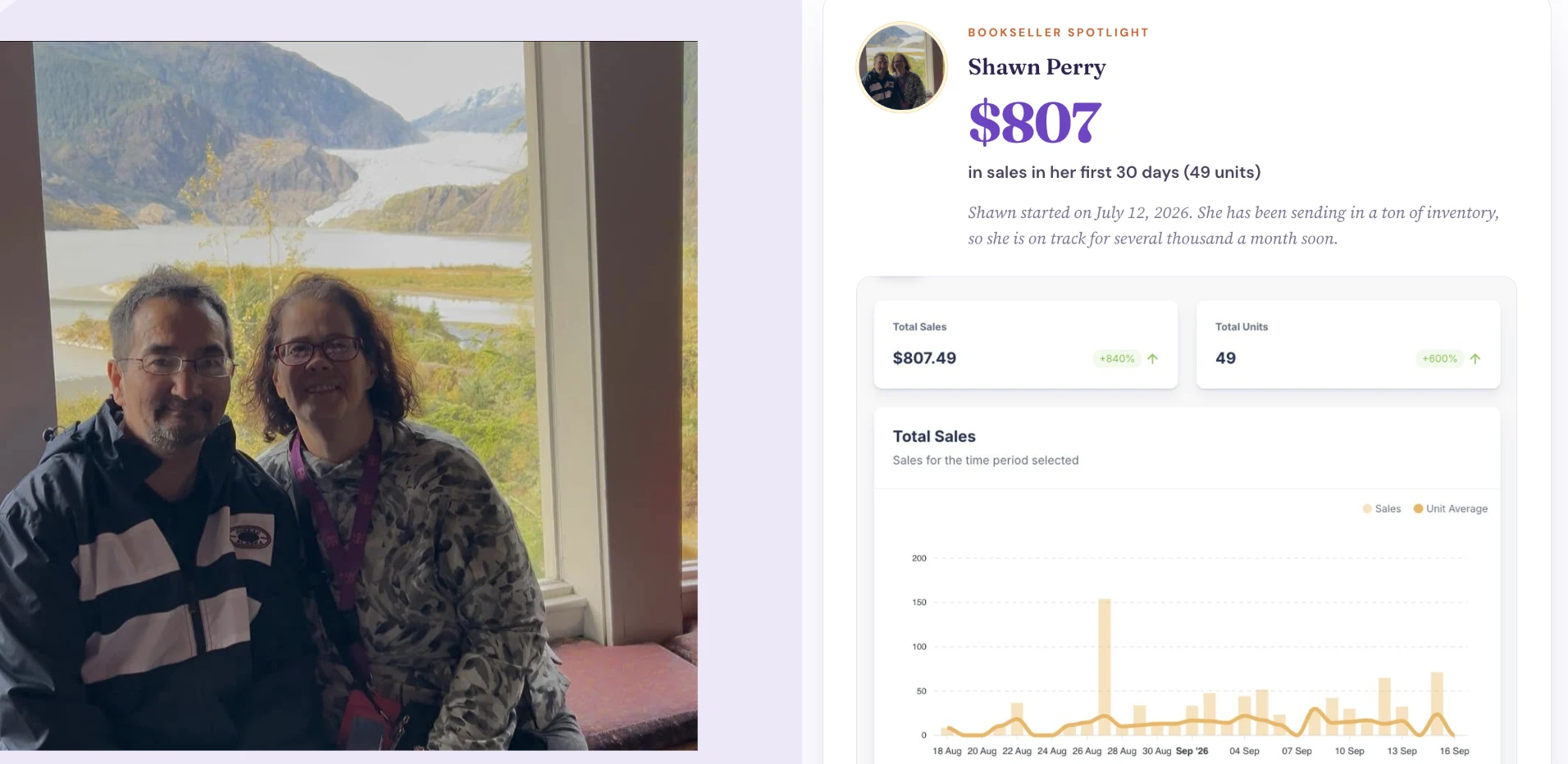
 Shawn Perry
$807 in sales in first 30 days, 49 unitsGO2LISTER + RANGER · 5 MIN VIDEO
Watch how one scan shows Amazon profit, cash buyback offers, and the signal that says buy or pass.
No charge during your 14-day trial. Cancel anytime.
About 10% of Amazon sales are book sales.
There are millions of books for a couple of dollars or less in every medium-to-large city. It’s time to get your piece of the pie.
From the seller community
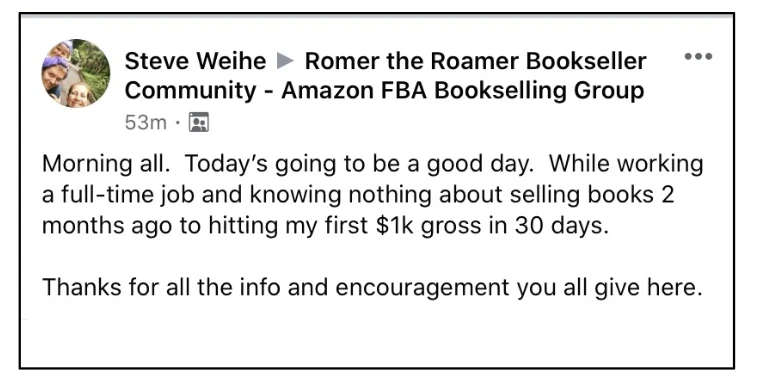
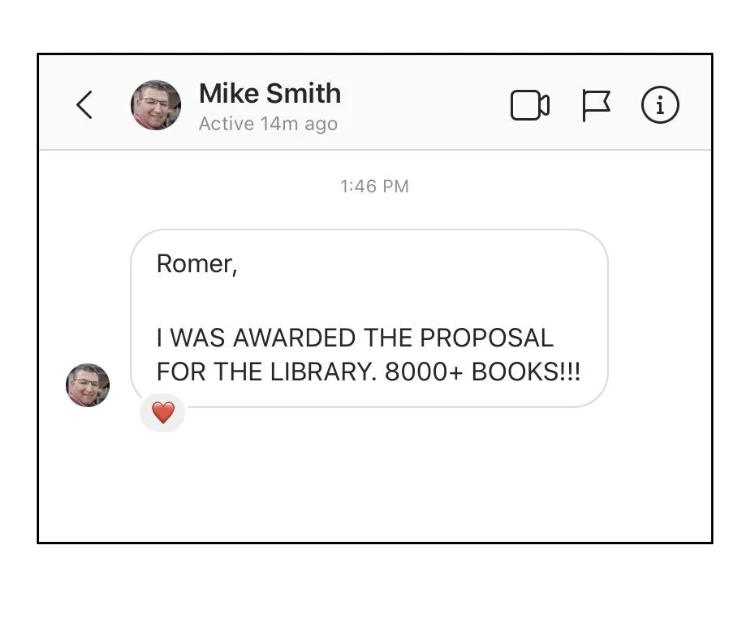
These community stories show a range of bookselling experiences and outcomes.
View full-size Shawn Perry
$807 in sales in first 30 days, 49 units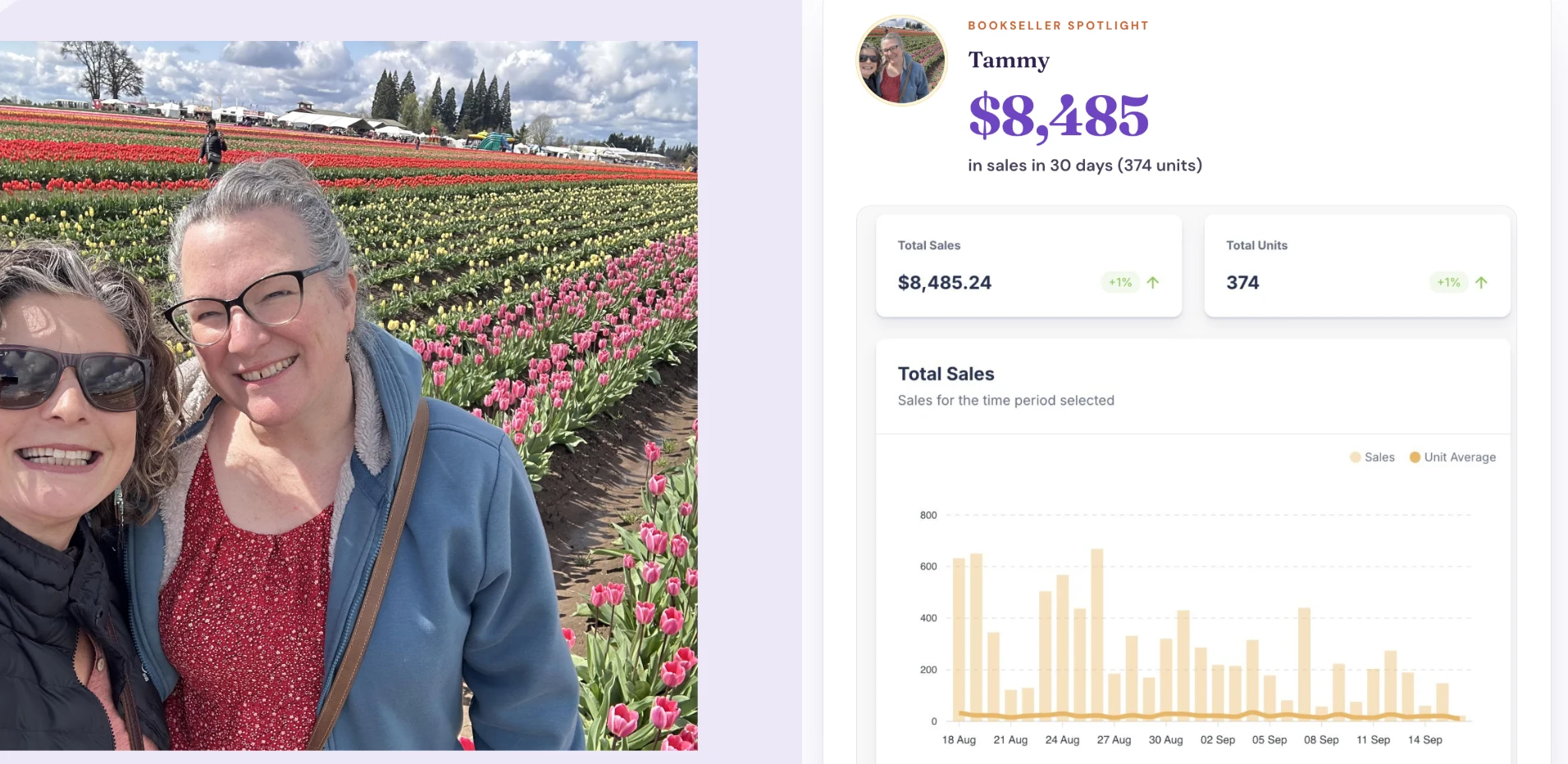 View full-size
 Tammy
$8,485 in sales in 30 days, 374 units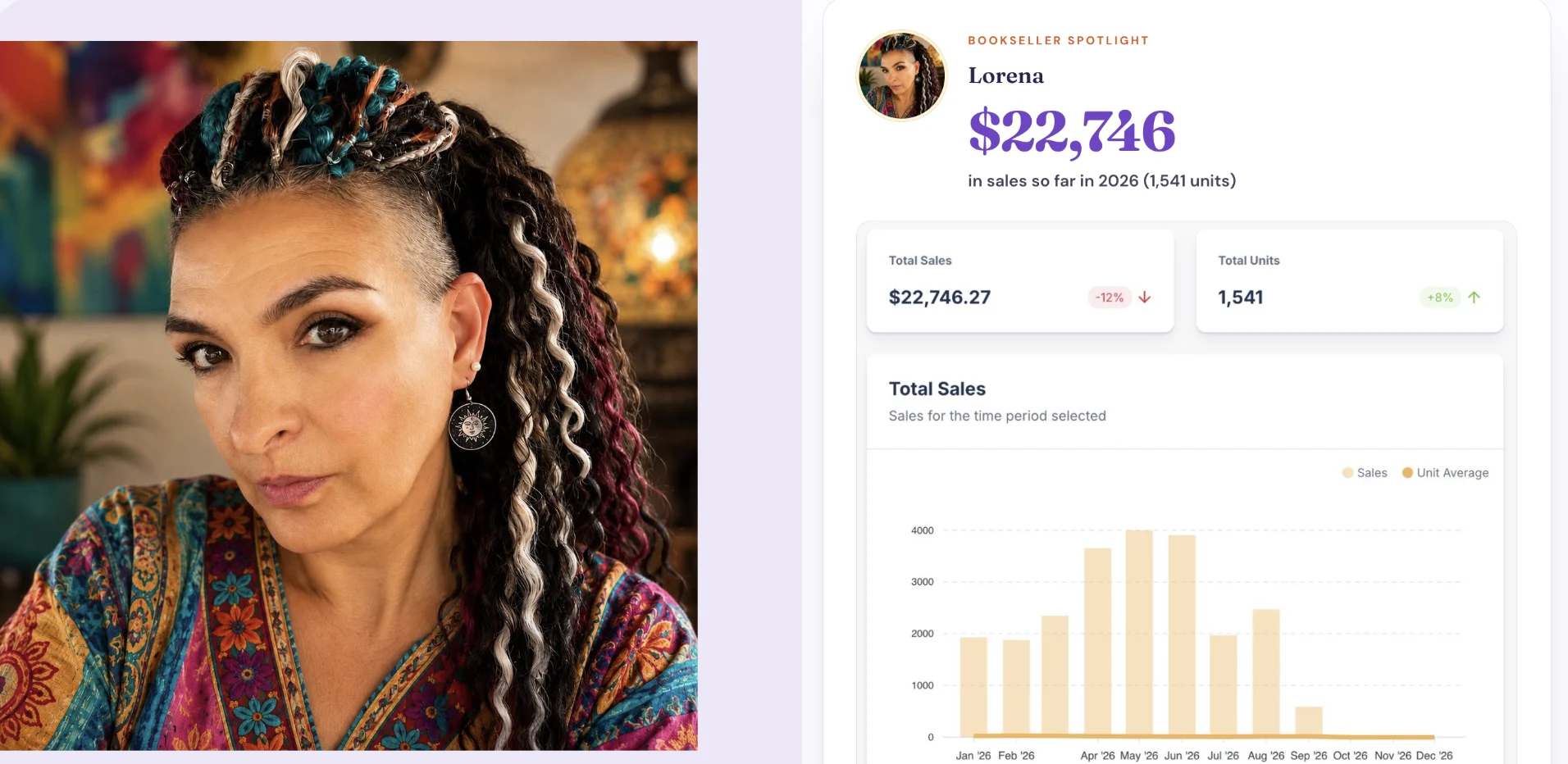 View full-size
 Lorena
$22,746 in sales in 2026, 1,541 units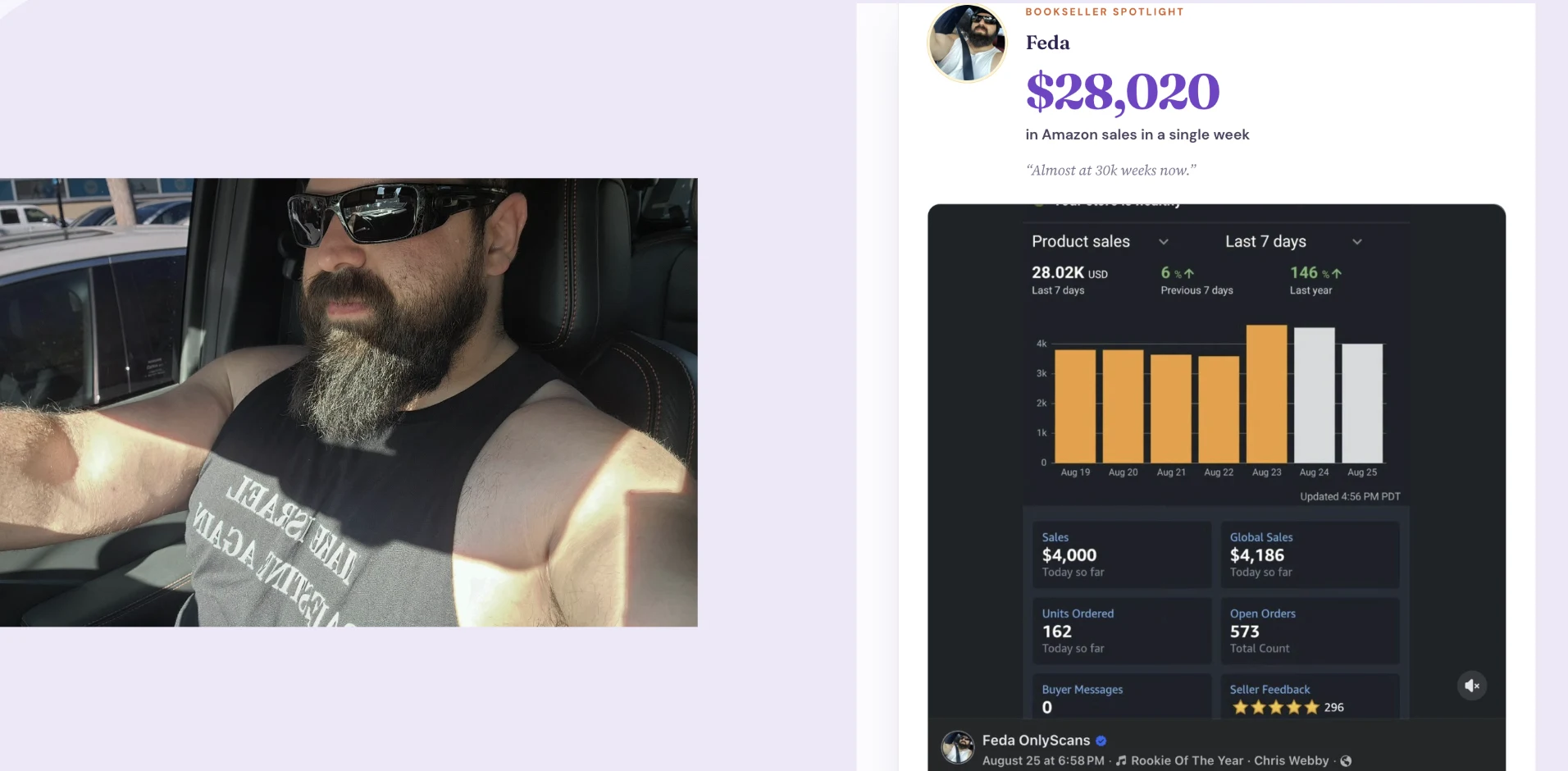 View full-size
 Feda
$28,020 in Amazon sales in a single week View full-size
 Ben
$20,470 in sales in one month; high-school student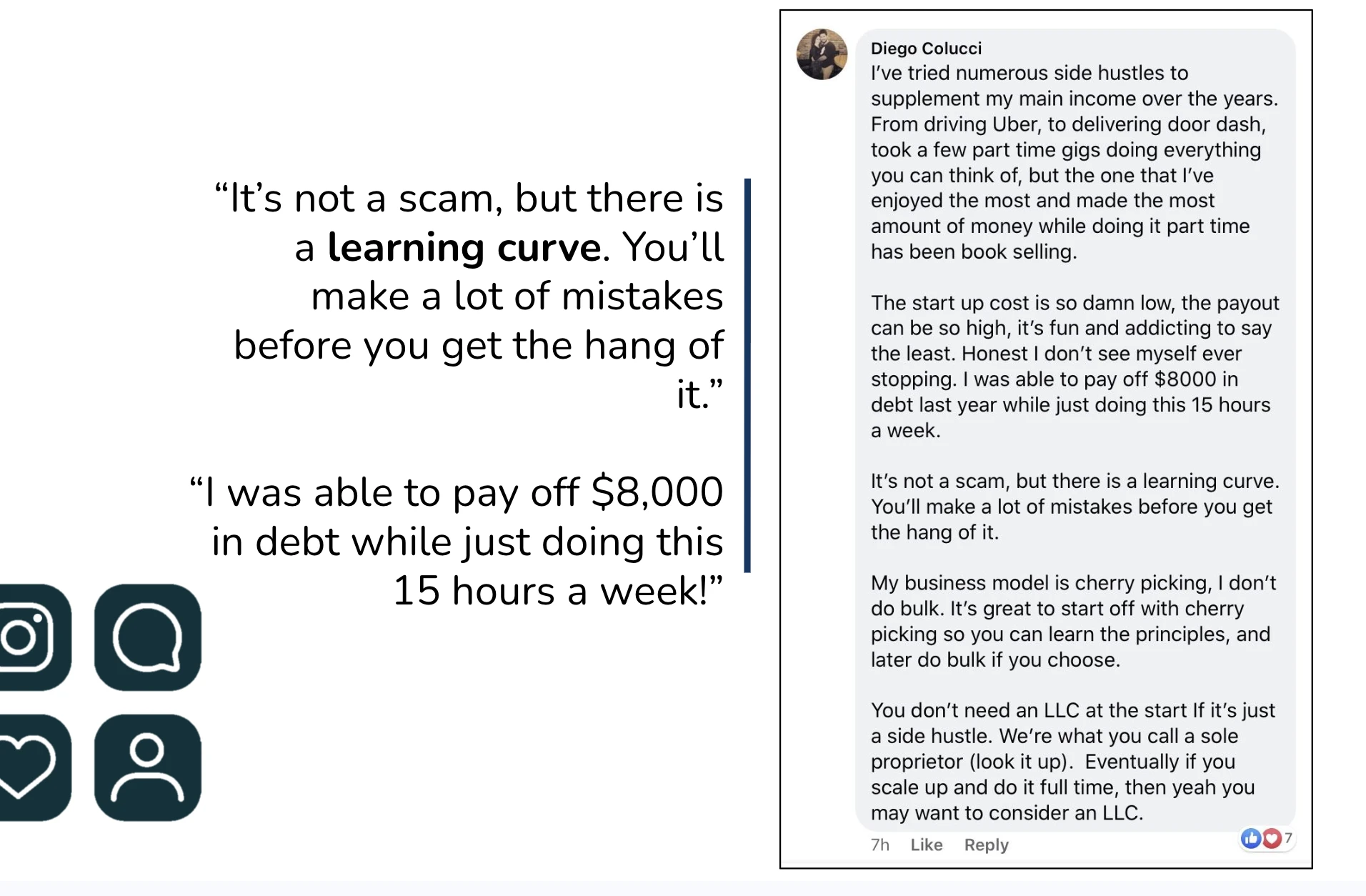 View full-size
  View full-size
  View full-size
 Community outcomes are individual results, not guarantees or evidence that Ranger caused them. Sales figures are not profit.
A sourcing rhythm that makes sense
Start with the book in front of you. Ranger gathers the details; you decide what fits your business.
Scan a barcode or ISBN, search by title, or scan the cover to identify the book and review its market signals.
On a plan with listing, move the books you choose into Go2Lister’s Kitchen and prepare them for Amazon.
Review estimated Amazon profit after fees and your buy cost. Use sales history and available buyback offers to decide whether the numbers work for you.
Ranger’s color signals
Ranger separates three outcomes: cash from a buyback, estimated profit from an Amazon sale, or a pass when a book doesn’t fit your buying rules.
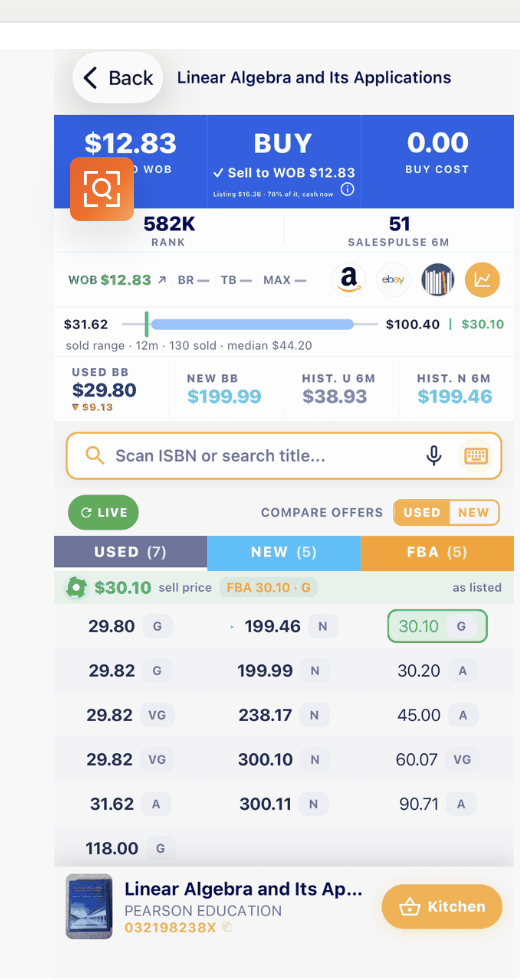
Look at both routes before deciding whether a book fits your sourcing rules.
LOOK BACK BEFORE YOU BUY
Ranger pairs estimated profit with 12 months of sold-price history—range, median, and sales count—so you can compare today’s opportunity with real sales before you buy.

A process you can make your own
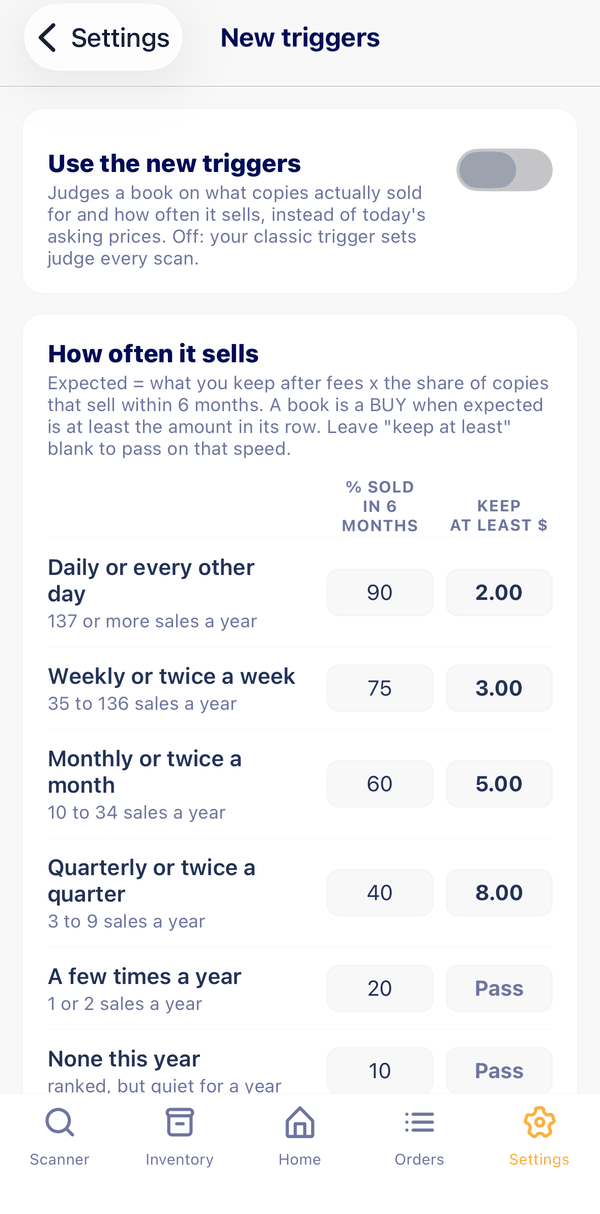
There is no single right threshold for every bookseller. Set preferences around the books and opportunities you want to pursue, then adjust as you learn.
Part of your Go2Lister workflow
When a book looks right for your business, Go2Lister can help you continue from sourcing toward listing. Available tools depend on the regular Go2Lister plan you choose.
Experience not required
Scan books with your phone, check the numbers, and choose what fits your budget. Send eligible inventory through Amazon FBA, and Amazon handles storage and shipping—so you don’t need to turn your home into a warehouse.
The opportunity is real—but results take work. Learn the process, stay consistent, and build one smart buy at a time.
Good questions to ask
Starting something new should feel straightforward. A few practical details to know.
No. Ranger gives you a clear place to start: scan a book, review the information, and decide whether it fits your own buying rules.
Use your phone’s camera or a compatible Bluetooth scanner. Scan a barcode or printed ISBN, search by title, or identify a book from its cover.
Yes. With Database Mode, download the database before you head out so you can keep sourcing when your signal drops.
Review Amazon Buy Box price context, estimated fees and profit, sales rank, sales activity, and available offers from World of Books, ThriftBooks, and BooksRun. Offers vary, and market signals are not a promise of what a book will sell for.
Ranger is part of Go2Lister. Depending on your Go2Lister plan, you can move selected books into Kitchen and continue preparing them for Amazon.
Ranger is inside the Go2Lister mobile app, available in the Apple App Store and Google Play.
Get started with Ranger
Try Ranger inside Go2Lister. No charge during the trial; cancel anytime.